AI Facebook ads: what Meta automates and what you control
There are two kinds of AI in Facebook ads. One decides who sees your ad. The other makes the ad itself. Here is how to use the part you control.
6 min read
AI Facebook ads mean two different things, and most guides blur them. One is the AI inside Meta that decides who sees your ad, where and at what price. The other is AI that makes the ad itself: the image, the video, the words. You barely control the first. You fully control the second. This guide shows where your effort pays off and how to turn one product photo into a week of creatives to test.
Two kinds of AI in Facebook ads
Delivery AI is Meta's own automation. It picks the audience, spreads the budget across days and placements, and bids for you. A few years ago you set interests, ages and placements by hand. Today the default is broad targeting and automatic placements, and the system finds buyers on its own.
Creative AI is what you bring. It builds the thing people actually see in the feed or in Reels. Meta's delivery can only show what you give it. If you give it two tired images, it has two tired images to work with.
- Meta decides: who sees the ad, when, in which placement and at what bid.
- You decide: what the product looks like in the ad, the hook, the format, the words and how many versions go in.
Why the creative is now your main lever in AI Facebook ads
When targeting was manual, a sharp audience could save a weak ad. With broad targeting, the creative does that job. The image or video is the signal. It tells the system who stops for this product, and the system goes and finds more people like them.
So the practical question about facebook ads ai is not "which setting do I turn on". It is "how do I feed the system enough good creatives to learn from". One ad gives it one guess. Six different angles give it six guesses, and one of them usually pulls ahead.
What Facebook and Instagram placements need
One campaign can show up in many places across Facebook and Instagram. A single square image cropped to fit all of them loses the product, the price or the headline somewhere. Make each size on purpose:
- Feed, 1:1 or 4:5. The workhorse. 4:5 takes more of the phone screen; 1:1 is the safe fallback for Facebook feed.
- Reels and Stories, 9:16. Full screen and vertical. Keep the product and the text away from the top and bottom edges, where the interface sits.
- Carousels. Several cards in one ad: one product from different angles, a bundle, or a short story that ends on the offer. Feed sizes, 4:5 for Instagram and 1:1 for Facebook.
Video matters here too. A short vertical clip often fits Reels better than a still. Talking-to-camera AI UGC ads look like the posts people already watch in that feed.
One thing to know about Reels on Facebook: people there engage less. In our own research on organic posts, a typical Facebook Reel earned around 1% engagement per view, against about 2% for an ordinary Instagram video and about 6.5% on TikTok. That's organic, not paid, but the lesson carries over. Nobody on Facebook stops out of habit, so the creative has to earn the stop. Open on something odd or a line that contradicts itself, not on a logo, and keep the product in the first frame.
How to build a test set with AI for Facebook ads
Using AI for Facebook ads on the creative side starts with one input: a product photo or a link to your product page. A phone shot is enough. Then build a small set that covers different angles, not five copies of one idea.
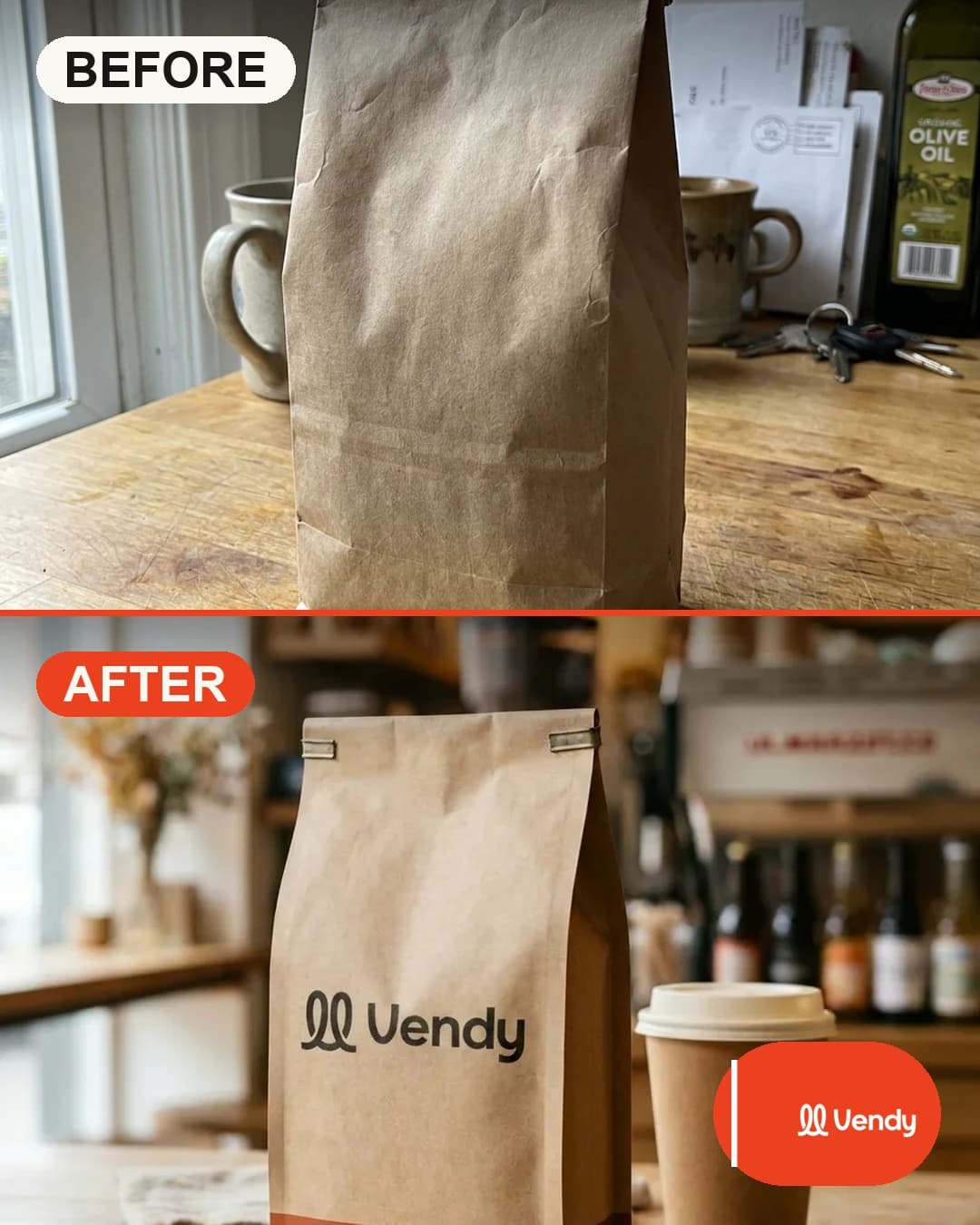
- Start from the real product. Upload one photo. A good tool keeps the color, shape, label and logo exactly as they are. No redrawn logos, no invented details. Buyers notice when the item they receive is not the one in the ad.
- Make three to four static creatives. Put the product in new scenes with a headline each: a lifestyle scene, a close-up, an offer. Vendy's AI product photos give up to 4 versions per run, in 4:5, 1:1, 9:16 and five more sizes.
- Add one carousel. 3 to 5 cards: the product, the detail that sells it, who it is for, the offer. AI carousel templates build 2 to 10 slides, sized for Facebook and Instagram feeds, downloaded as one .zip.
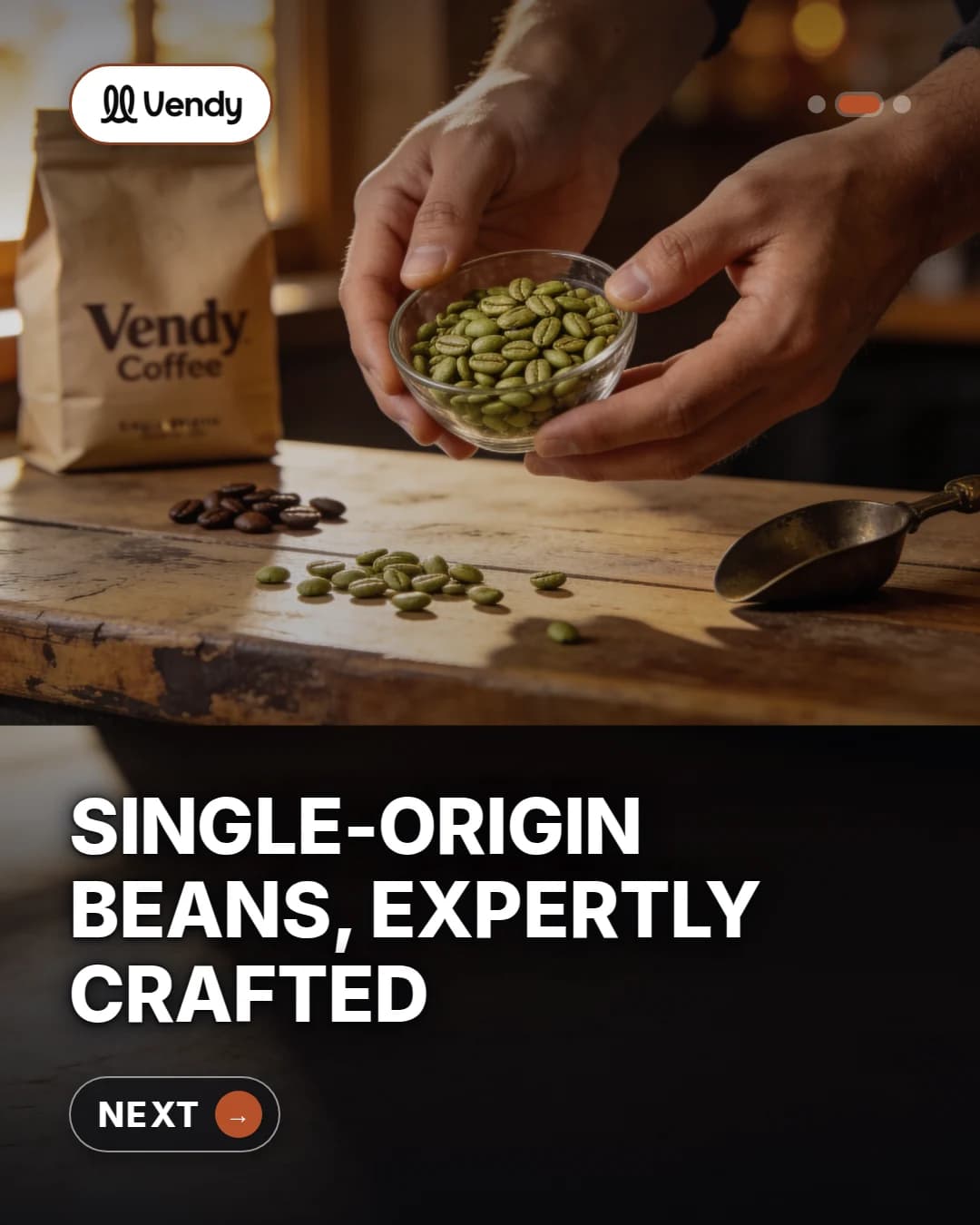
- Add one or two short videos. A 9:16 clip for Reels and Stories: an AI creator talking about the product, or a product showcase with hands and close-ups.
- Write a different hook for each. Price, problem solved, how it looks in use, a gift angle. The hook is what makes each version a real test.
If you want the whole set built for one network, the AI Facebook ad generator page shows the formats side by side. Selling on Instagram first? Start from the Instagram ad generator instead.
A weekly routine for AI Facebook ads
Small sellers don't need a big process. They need the same short loop every week:
- Monday: pick one product and one goal. Sales, leads or bookings. One product keeps the test clean.
- Make the set. Three or four statics, one carousel, one or two videos. Sized for feed and for Reels.
- Launch in Ads Manager. One campaign, broad targeting, automatic placements, the same budget for each creative.
- Wait a few days, then read the results. Keep the creatives that hold attention and get clicks. Pause the rest.
- Remix the winner. New scene, new hook, new format. That becomes next Monday's set.
Running many products? The same loop works per product line. See how growing stores plan it on the scaling e-commerce page.
What Vendy does not do
Vendy makes the creative. It does not touch your ad account. It does not buy media, set targeting or budgets, or post ads for you. You download the images and videos and upload them to Meta Ads Manager yourself, where Meta's own automation takes over delivery.
That split is on purpose. You keep full control of spend, and every plan includes full commercial rights to what you generate, paid placements included. Current plans are on the pricing page.
Questions sellers ask
Should I still set interests and audiences by hand?
For most small sellers, broad targeting with strong creatives is the simpler start. Test narrow audiences later if you have a clear reason. Either way, the creative decides who stops.
How many creatives should one test have?
Enough to cover different angles. Five or six versions with different hooks and formats tell you more than twenty near-copies of one image.
Will AI change how my product looks?
Generic image models often do. Vendy keeps your real product unchanged in every creative: the same color, shape, label and logo. For the bigger picture, read our guide to AI ads.
Takeaways
- AI Facebook ads have two sides: Meta's delivery, which you mostly hand over, and the creative, which you own.
- With broad targeting, the creative is the signal. More good angles give the system more to learn from.
- Make each size on purpose: 4:5 or 1:1 for feed, 9:16 for Reels and Stories, carousels for products with a story.
- Build a weekly set from one product photo, launch it in Ads Manager, keep the winner and remix it.
- Keep the product real. An ad that shows a different item costs you refunds.
Keep reading
All articles Platforms
TikTok AI ads: how to make ones people watch
TikTok already uses AI to deliver your ads. The creative is still your job. Here is how to make TikTok AI ads from one product photo, with prompts and hooks to copy.7 min read
 AI advertising
AI ads: how to make ad creatives that sell
AI ads are only as good as the creative behind them. Here is how an AI ad generator works, where it goes wrong, and how to pick one that shows your real product.5 min read
 Ad basics
Product ads: formats that sell and how to make them
What product ads are, which formats small sellers should run, what makes one work, and how to turn one product photo into a full set of ads.7 min read