Product ads: formats that sell and how to make them
What product ads are, which formats small sellers should run, what makes one work, and how to turn one product photo into a full set of ads.
7 min read
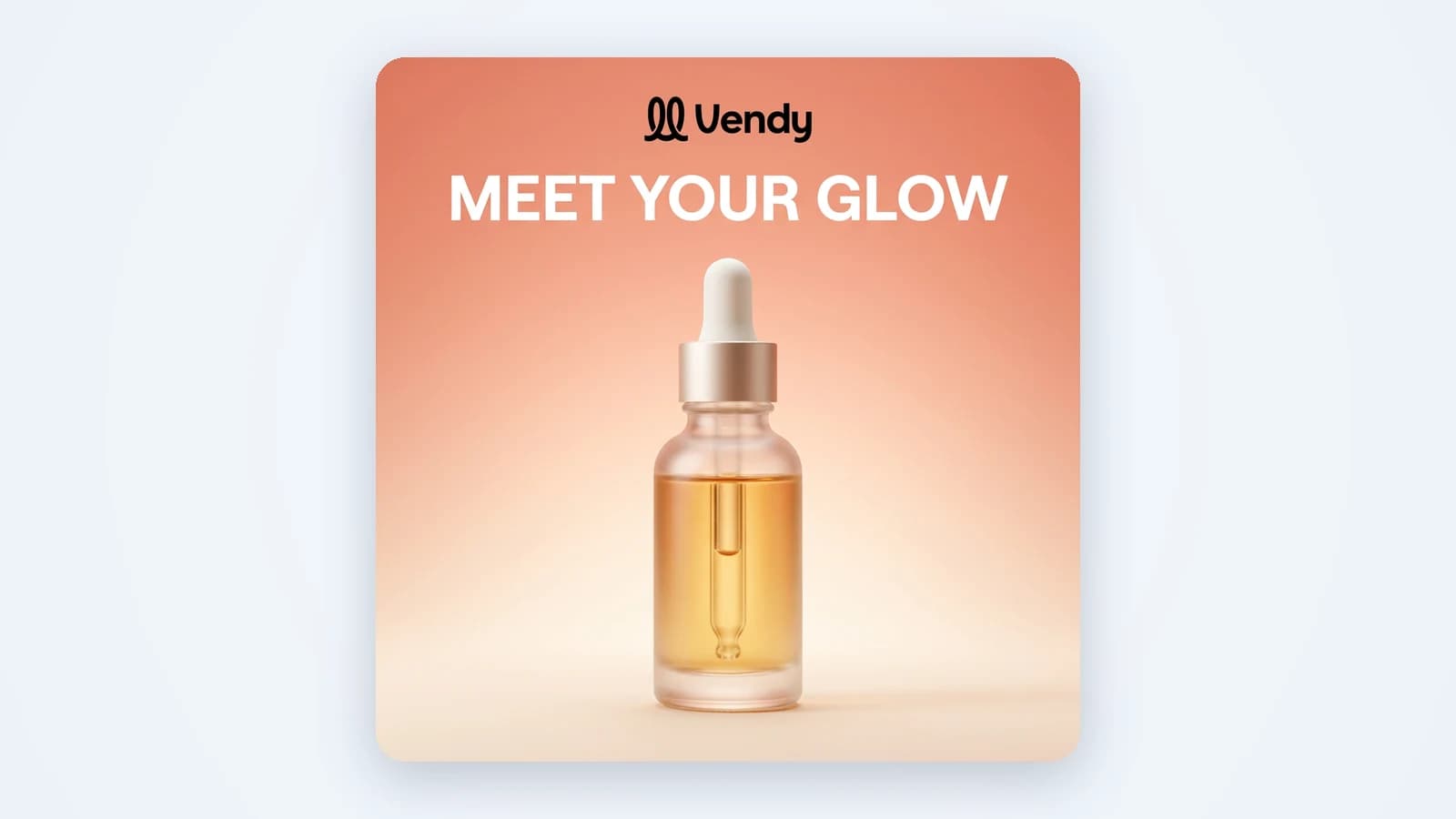
Product ads are ads with one job: show a product and get someone to buy it. No brand film, no mood board. The buyer sees the item, gets a reason to want it and taps through. For a small seller this is most of the ad budget. This guide covers what the term means on each platform, the formats worth running, what makes a product ad sell and how to make a full set from one photo.
What product ads are
The phrase means two different things, and the search results mix them up.
- The creative. Any ad that puts a product front and center: an image in the Instagram feed, a TikTok video of someone using it, a carousel of colors. This is what most sellers mean, and it is the part you make.
- The catalog format. On Google and Microsoft, "Product Ads" or Shopping ads are built by the platform from your product feed: photo, title, price and store name. You don't design them. You upload a feed and the platform assembles the ad.
Catalog ads live and die by the feed: clean titles, correct prices, a clear product photo that follows the platform's image rules. Check those rules before you upload, since Shopping images usually can't carry text or promo badges. Everything else in this guide is about the first meaning: the product advertisement you design for social feeds and video placements.
The main formats for product ads
You don't need every format. You need two or three that fit your product and your channels. These four cover most of what small sellers run.
Static image
One picture, one message. The product sits in a scene that fits the buyer, with a short headline and an offer. Static ads are the cheapest to make and the fastest to test, so most accounts start here. An AI product photo generator can put your item in a new scene with new light and a headline, without a shoot.
Carousel
Several slides in one ad. Good for showing colors, a bundle, a before and after, or three reasons to buy. Each slide should still work alone, because many people see only the first one. AI carousel templates give you a ready slide structure for Instagram and Facebook feeds.
UGC video
A person talks to camera about the product, phone-shot style. It reads like a recommendation, not an ad, which is why it works in TikTok and Reels feeds. AI UGC ads give you this look without hiring a creator: an AI avatar delivers a script you can edit, with captions.
Product showcase video
The product is the star: hands, unboxing, close-ups of texture and detail, music and an end card with your brand. This is the strongest format for physical goods that look good in motion. An AI commercial generator makes short showcase clips of 3 to 15 seconds from your product photo.
What makes product ads work
Good product ads share four traits. Miss one and the ad leaks money.
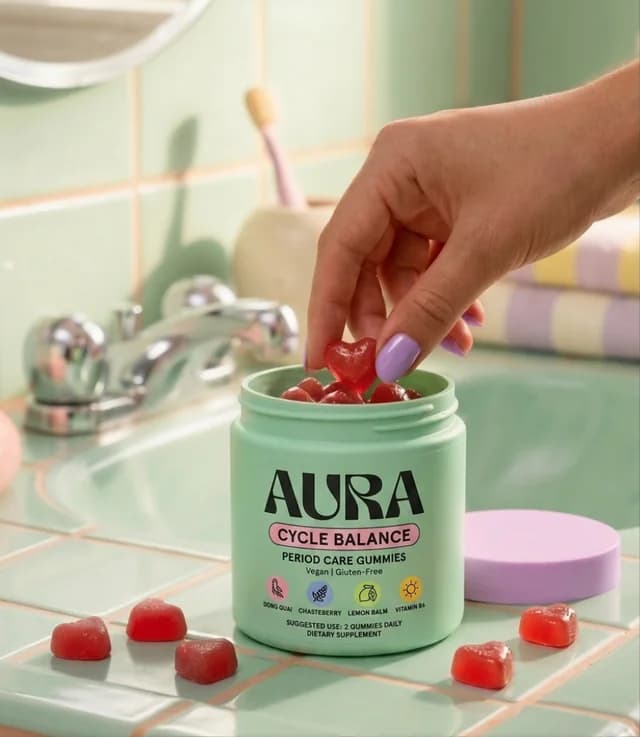
- The real product. The color, shape, label and logo in the ad must match what arrives in the box. A redrawn logo or a shifted shade turns a sale into a refund.
- A clear offer. Say what it is and why now: the price, the bundle, free shipping, the new flavor. One offer per ad. Two offers split attention.
- A hook. The first second decides if anyone sees the rest. Lead with the problem the product solves, a surprising detail or the result.
- The right size. A square image cropped into a 9:16 story can cut off the product or the price. Make each placement in its own size: 9:16 for stories and Reels, 4:5 for feeds, 1:1 where it fits.
Launching something? A new product ad needs one extra line: tell people it is new and what changed. Returning buyers stop for "new" faster than for anything else you can say about an item they already know.
Selling on Etsy, Amazon or TikTok Shop? Two openings fit product ads there. Call out the viewer in the first words: "Candle people, this one's for you" or "If your hands crack every winter". Or show the finished thing first, then how it's made or used in four or five short steps, one caption per step. Both tell the viewer the video is for them before the pitch starts.
A plain photo of the real product beats a beautiful scene with a product the buyer won't recognize.
How to make product ads from one photo
You don't need a studio day. A clear phone shot of the product is enough to start. Here is the flow in Vendy, and the same logic works for any process you use. If you are new to the whole job, start with how to make an ad first.
- Add the product. Upload one photo, or paste a link to the product page. Vendy keeps the item as it is: no redrawn logos, no invented details.
- Pick a starting point. Write a short prompt, take an idea Vendy suggests, or choose a layout from the ad templates library, filtered by industry, ad type or occasion. Vendy rebuilds the layout with your product, brand and words.
- Get a few versions. A static run gives you up to 4 versions at once, so you can compare scenes and headlines side by side.
- Pick the sizes. Static ads come in 8 sizes, from 9:16 to 16:9, as PNG. Carousels have 2 to 10 slides and download as one .zip.
- Add video. For UGC or showcase video, Vendy draws up to 4 opening frames first. You pick one and it becomes the video.
- Upload and test. Download the files and upload them to Meta Ads Manager, TikTok Ads Manager or Google Ads. Vendy makes the creative. Targeting and budget stay in your ad account.
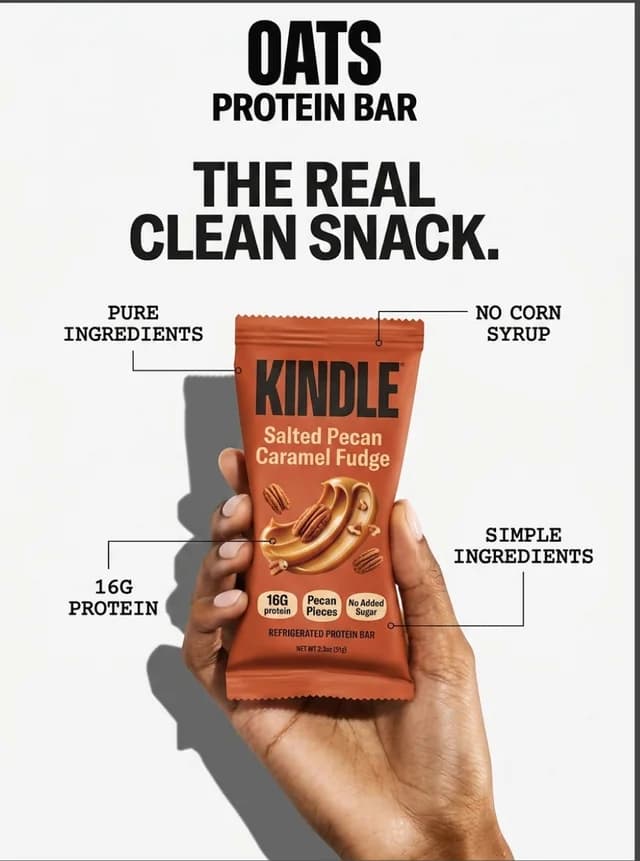
Selling a whole catalog? Start with your best seller, find the winning format, then repeat it across the range. Our page on AI ads for ecommerce shows how stores do this at scale.
A product ad checklist before launch
Run every product ad through this list before it goes live:
- The product is recognizable in under a second.
- Color, label and logo match the real item.
- One offer, stated plainly. No hidden conditions.
- The hook sits in the first second or the top third of the image.
- Text is short enough to read on a phone at arm's length.
- The file is made in the size of its placement, not cropped from another.
- Price and product name match the landing page the ad sends people to.
- You have at least two or three versions to test against each other.
Questions sellers ask about product ads
Are product ads the same as Shopping ads?
Not quite. Shopping ads on Google and Microsoft are a catalog format built from your product feed. Product ads in the wider sense are any ad that sells a product, including the images and videos you run on Meta and TikTok.
Which format should I start with?
A static image. It is the fastest to make and test. Once you know which angle and offer win, turn that winner into a carousel or a short video.
Can I use the ads in paid placements?
Yes. Every Vendy plan includes every tool and full commercial rights to every image and video you generate, paid placements included. Plans are on the pricing page.
Takeaways
- Product ads mean two things: the creative you design and the catalog format built from a feed. Most of your effort goes into the creative.
- Start with static images, then add carousels, UGC video and showcase video for the products that win.
- Every product ad needs the real product, one clear offer, a hook and the right size.
- One good product photo is enough to make a full set of ads. Test several versions and keep the winner.
Keep reading
All articles Ad basics
What is ad creative? Parts, types and how to test it
Ad creative is the part of an ad people actually see. Here is what it is made of, the main types, and how to build a set of creatives worth testing.8 min read
 AI advertising
AI ads: how to make ad creatives that sell
AI ads are only as good as the creative behind them. Here is how an AI ad generator works, where it goes wrong, and how to pick one that shows your real product.5 min read
 How-to
How to make an ad: a step-by-step guide for small sellers
Seven steps from one product to an ad you can upload today: the goal, the buyer, the hook, the size, the creative, the versions and the numbers that pick the winner.8 min read