How to make an ad: a step-by-step guide for small sellers
Seven steps from one product to an ad you can upload today: the goal, the buyer, the hook, the size, the creative, the versions and the numbers that pick the winner.
8 min read
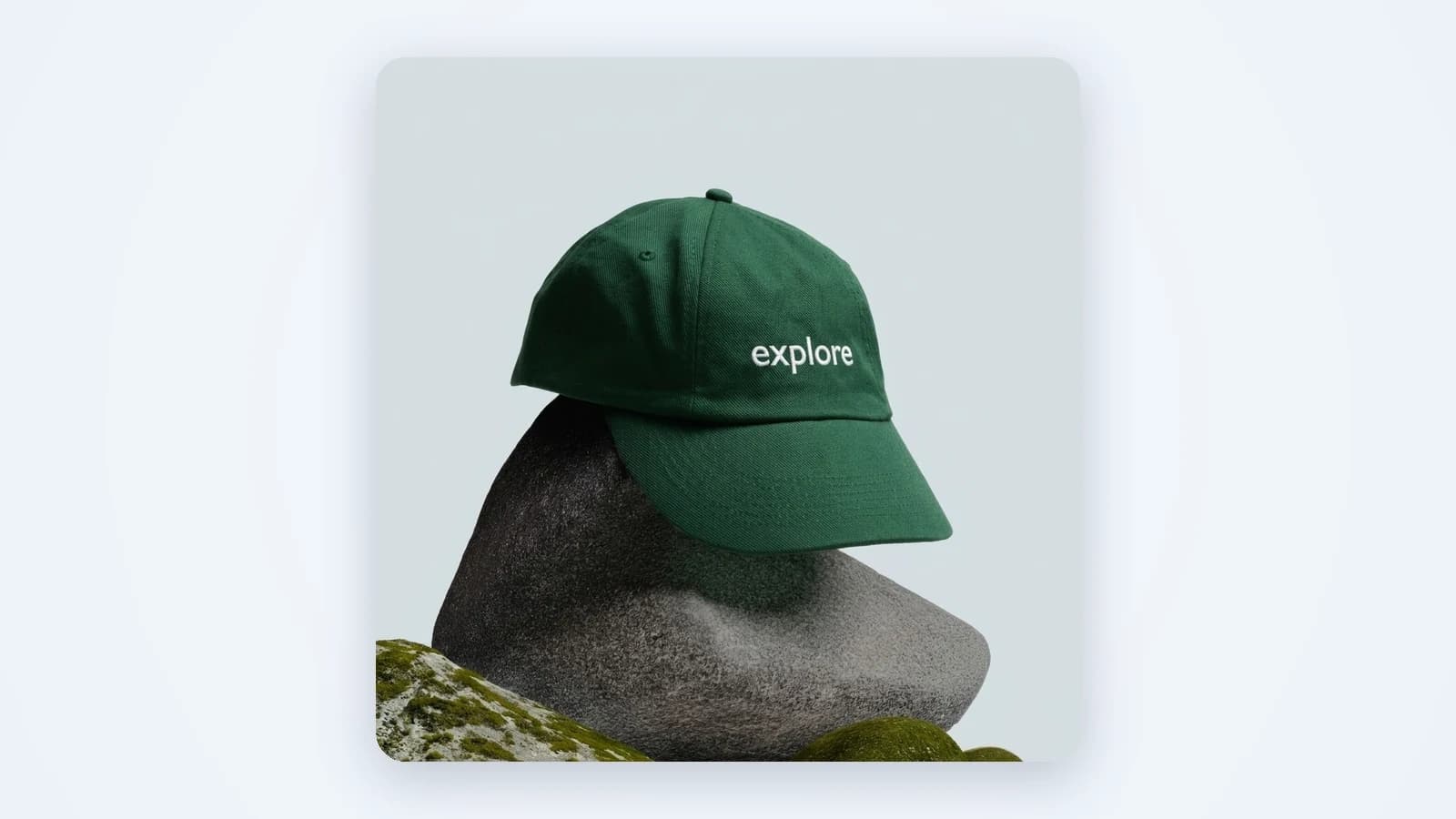
Knowing how to make an ad is less about design talent and more about order. Most ads that flop skip a step: no clear goal, no reason to click, the wrong size for the placement. This guide walks through the seven steps in the order that works for a small seller with one product, a phone and no studio. By the end you will have several versions ready to upload and a simple way to tell which one wins.
How to make an ad, step 1: pick one product and one goal
Start narrow. One product, not the whole catalog. One goal, not three. The goal decides everything after it: the words, the format, the button.
- Sales: the ad sends people to a product page and asks them to buy.
- Leads or bookings: the ad asks for a call, a form or an appointment.
- Awareness: the ad makes people remember the brand. Hard to measure, so leave it for later.
Pick the product that already sells best or has the clearest benefit. A bestseller with good reviews gives you proof to put in the ad. A new launch gives you news. Both are easier to sell than a product you have to explain.
Step 2: Know the buyer and the reason to click
Write down who buys this product and why, in one sentence each. Not "women 25 to 45". Something closer to "a busy parent who wants dinner done in ten minutes". Then write the reason they would click. That reason is usually one of four things:
- A problem the product solves ("my skin feels tight after washing").
- A result they want ("a desk that looks tidy on video calls").
- A moment it fits (a gift, a season, a trip).
- A price or offer that makes trying it easy.
Read your reviews and customer messages for this. The words buyers use are better ad copy than anything you will invent.
Step 3: Write the hook and the offer
The hook is the first line or the first second of the ad. Its only job is to stop the scroll. The offer is what the buyer gets if they click. Keep both short.
- Hook: name the problem, the result or the moment from step 2. "Dry hands by noon?" works better than "Introducing our new hand cream".
- Offer: say what happens next. Free shipping, a bundle, a first-order discount, or simply "Shop the set".
- One call to action: "Shop now", "Book a visit". Not both.
Step 4: Choose the format and size for the platform
Each placement has its own shape. A square image cropped into a full-screen story cuts off the product or the price. Decide where the ad will run first, then make the creative in that size:
- 9:16 (vertical full screen): TikTok, Reels, Stories, Shorts.
- 4:5 (tall feed): the Instagram and Facebook feed.
- 1:1 (square): feeds on most platforms, and a safe default.
- 16:9 (wide): YouTube and some placements on Google.
Then pick the format. A static image is the fastest to make and test. A carousel shows several products or steps. A short video shows the product in use or a person talking about it, which is the native look on TikTok. If you sell on one platform, start there: a TikTok ad generator or an Instagram ad generator gives you the right sizes from the start.
Step 5: Make the creative
Now the actual picture or video, the ad creative. This is the part most people mean when they ask how to make an advertisement. There are two ways to do it.
By hand
Shoot the product in good daylight on a clean surface. Put it in a real scene: on a bathroom shelf, in a hand, on a kitchen table. Add the hook as a short headline in a design app, leaving space around the edges so the platform's buttons don't cover it. This works, but each new scene or size means another shoot or another round of edits.
With AI from one photo
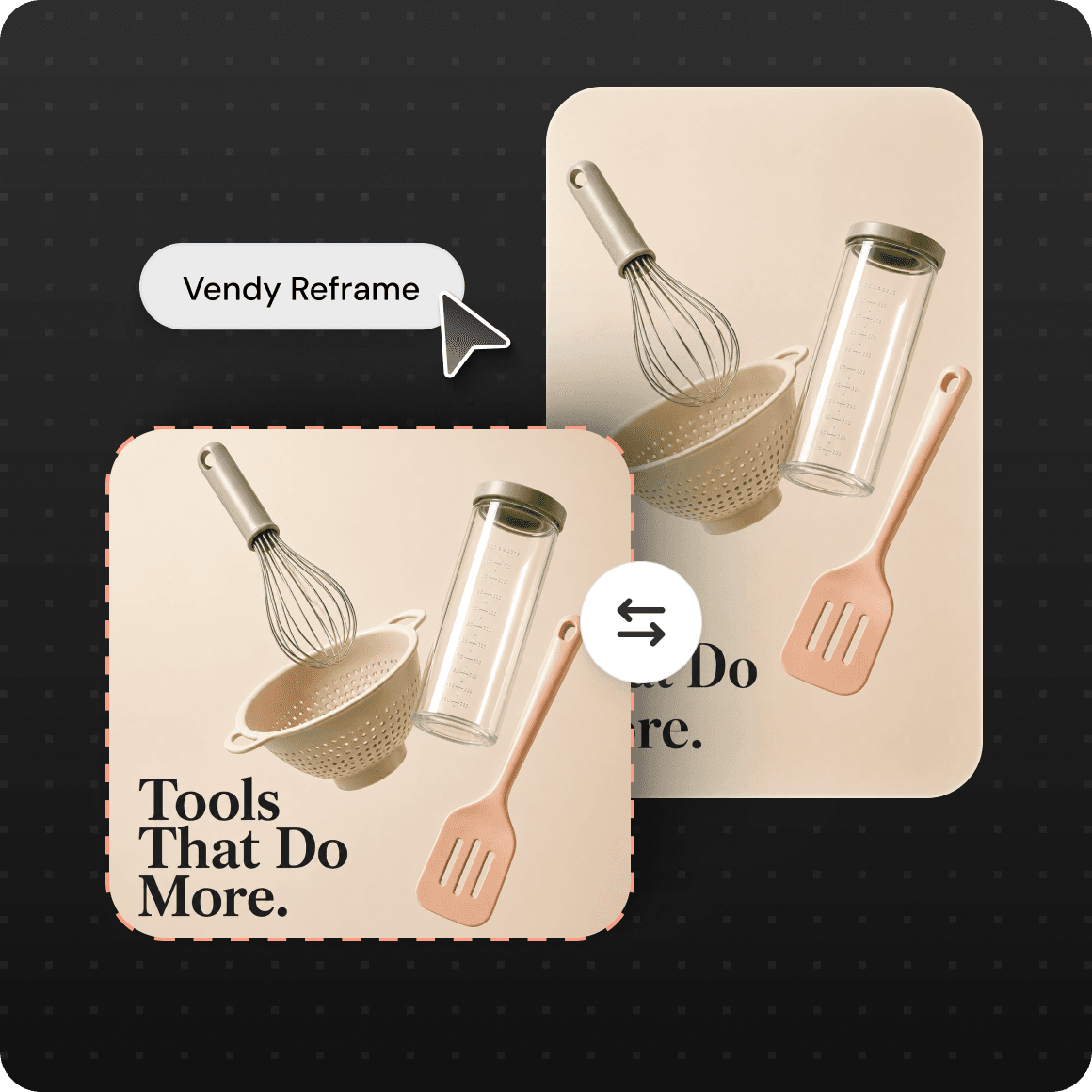
An AI ad maker like Vendy starts from one product photo or a link to your product page. A phone shot is enough. It builds a new scene, light and headline around the product, and keeps the product itself as it is: same color, shape, label and logo, no redrawn logos, no invented details. You can make AI product photos in 8 sizes, from 9:16 to 16:9, up to 4 versions per run. For video, AI UGC ads put an AI creator in front of the camera to talk about your product in a phone-shot style, with captions, in 3 to 15 seconds.
Step 6: Make several versions to test
Nobody knows in advance which ad will win. Not you, not an agency. So don't bet on one. Make three to five versions and change one thing at a time, so you know what made the difference:
- Different hooks, same image: problem vs result vs moment.
- Different scenes, same hook: the product in use vs the product alone.
- Different formats: a static image vs a short video.
This is where most small sellers stop, because every version costs another shoot. That is the step AI makes cheap. For more ideas on what to vary for physical goods, see our guide to product ads.
Step 7: Upload and read the results
Upload the versions to your ad account (Meta Ads Manager, TikTok Ads Manager or Google Ads) in one campaign, with the same budget and audience, so the creative is the only thing that differs. Vendy makes the creative only. Targeting, budget and posting stay in your ad account. If you run on Meta, an AI Facebook ad generator gives you feed and story sizes in one go.
Give the test a few days before you judge. Then look at three numbers, in this order:
- Click-through rate: did the hook stop people and make them click?
- Cost per result: what did a sale, lead or booking cost?
- Conversion on the page: if clicks are high but sales are low, the problem is the page or the offer, not the ad.
Keep the winner running. Pause the rest. Then take the winning hook into new formats and start the next round. That loop is how to make ads that keep working, not one lucky post.
How to make an ad people watch: what to skip and what wins
Some ideas feel safe and keep losing. They are worth crossing off before you spend a cent on step 6:
- A talking head giving advice. A person reading tips to the camera feels like a lecture, and people swipe. If someone talks, put the product in their hand and let them tell what happened.
- Pretty product footage with no voice and no story. Slow shots of a bottle on marble look nice and say nothing. Without a problem, a surprise or a result, there is no reason to keep watching.
- Packing orders. Taping boxes and printing labels is a big moment for you. For a buyer who has never seen your product, it is somebody else's chores.
What tends to win instead is closer to how people film themselves:
- A selfie with the product in hand. Phone-shot, a person holding the item close to the camera and talking like a friend. It shows the real size and the real label in the first seconds.
- A reveal at the end. Hold the result, the finished look or the product itself until the last few seconds. Curiosity keeps people watching, and the payoff lands right before the call to action. An AI commercial generator builds this kind of hands-and-unboxing clip from one photo.
In our own analysis of about 290,000 organic Instagram and TikTok posts, selfie-style videos with the product in hand showed up roughly 1.5 times as often among posts that beat their channel's usual views as among ordinary ones. That's organic, not paid, and it's a pattern, not a guarantee. Use it to decide what goes into your first test set, then let your own numbers from step 7 have the final word.
Questions about how to make an ad
How do I make an ad if I have no design skills?
Follow the steps above and let a tool do the design. The hard part is the thinking in steps 1 to 3: the goal, the buyer and the hook. Once you have those, an AI tool can build the image or video from one product photo.
How do I create an advertisement for a small business on a small budget?
Spend on testing, not on production. Make several cheap versions instead of one expensive one, run them with a small daily budget each, and move the money to the version that brings results. Vendy's plans are on the pricing page, and every plan includes every tool.
How to create ads for TikTok vs Instagram?
TikTok wants vertical 9:16 video that looks native, like a person filming on a phone. Instagram takes the same 9:16 for Reels and Stories, plus 4:5 images and carousels for the feed. Make the vertical video once, then add a 4:5 still for the feed.
How long does it take to make an advertisement?
By hand, a shoot and edit for one product can take days. With AI from one photo, the creative takes minutes. The steps that still take time are the ones only you can do: picking the goal, knowing the buyer and reading the results.
Can I use AI-made ads in paid placements?
Yes. With Vendy you get full commercial rights to every image and video you generate, including paid placements on Meta, TikTok and Google.
Takeaways
- How to make an ad that sells: one product, one goal, one buyer, one reason to click.
- Write the hook before you touch the design. It decides whether anyone looks.
- Pick the platform first, then make the creative in its size.
- Make three to five versions and change one thing at a time.
- Skip talking-head advice, silent pretty footage and packing videos. Try a selfie with the product in hand and a reveal at the end.
- Judge by numbers after a few days, keep the winner and start the next round.
Keep reading
All articles AI advertising
AI ads: how to make ad creatives that sell
AI ads are only as good as the creative behind them. Here is how an AI ad generator works, where it goes wrong, and how to pick one that shows your real product.5 min read
 Ad basics
Product ads: formats that sell and how to make them
What product ads are, which formats small sellers should run, what makes one work, and how to turn one product photo into a full set of ads.7 min read
 Ad basics
What is ad creative? Parts, types and how to test it
Ad creative is the part of an ad people actually see. Here is what it is made of, the main types, and how to build a set of creatives worth testing.8 min read