Affordable AI avatars for small business: who should use them and how
No camera, no actor, no studio. How a small or local business can use an AI presenter or an AI creator in its ads, where it works best, and what to keep honest.
7 min read
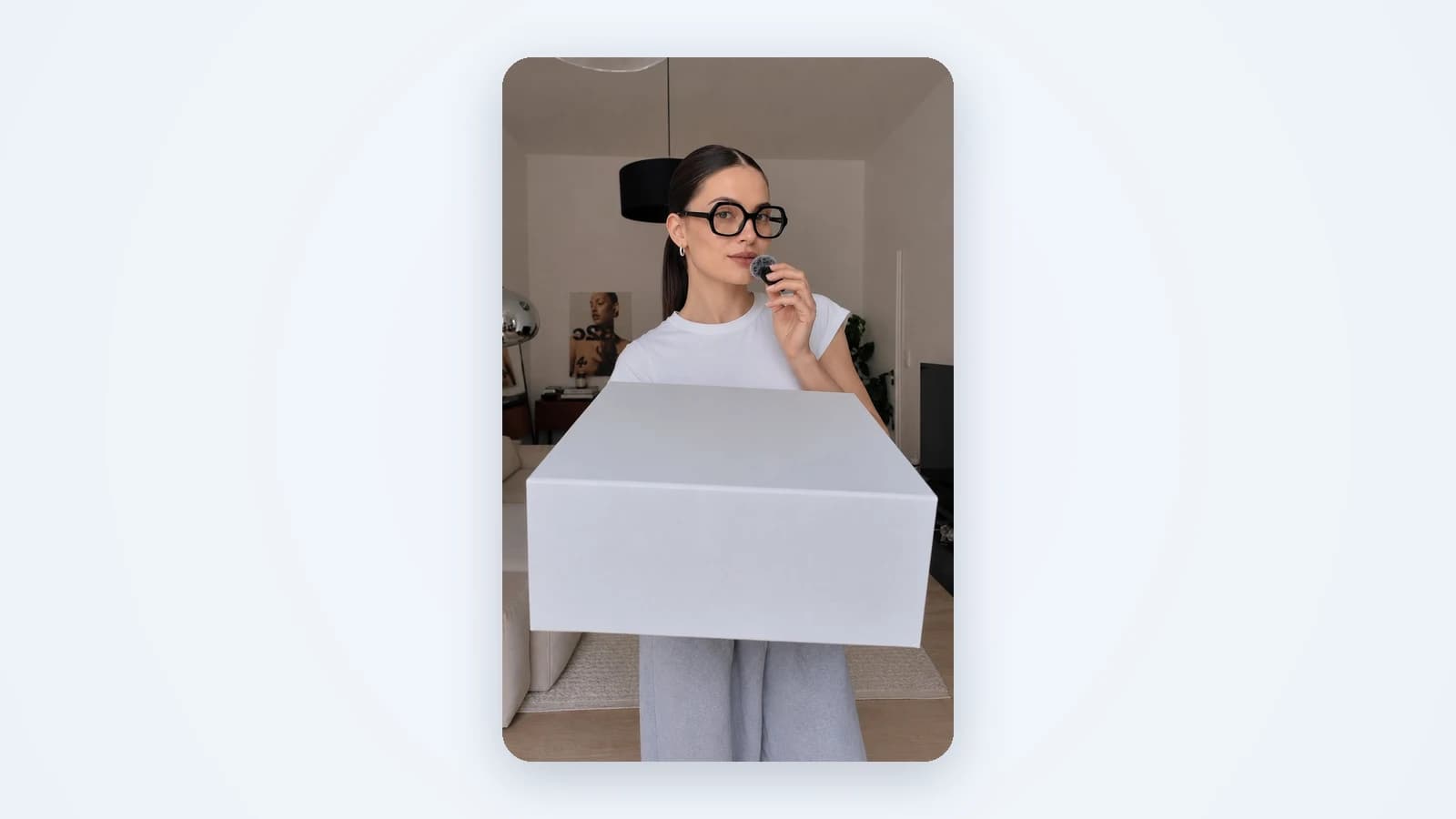
Video with a person in it sells. A face talking to the camera stops the scroll in a way a product shot often doesn't. The problem for a small business is the person. You need someone willing to be on camera, a quiet room, decent light and time to reshoot. Affordable AI avatar solutions for small businesses remove that step. An AI presenter or creator speaks your words on screen, and you never pick up a camera. This guide covers why a small or local business would use one, the two ways Vendy does it, where avatars work best and what to keep honest.
Why AI avatars make sense for a small business
Most owners don't skip video because they don't believe in it. They skip it because every clip costs a shoot. AI avatars change that math in three ways.
- No camera, no actor. You don't need to film yourself or hire someone who will. The avatar is the person on screen.
- A consistent face for the brand. Use the same presenter in every video, so your ads look like they come from one business, not a pile of one-offs.
- New versions without a reshoot. Change the script, the offer or the length, and make the video again. A new hook doesn't mean a new day of filming.
For a bakery, a salon, a plumber or an online course, that is the difference between one video a year and a fresh one for every offer.
Two ways to use AI avatars for small business ads
Vendy uses avatars in two formats. They solve different jobs, so pick by what you need the video to do.
An AI presenter over slides (Avatar slideshow)
An AI presenter talks over 3 to 6 slides. Think of a short explainer: the offer, what's included, the date, where to go. Vendy drafts the script and you edit it. The AI voice is matched to the avatar, and you can change it. The background behind the presenter is removed automatically, so the person sits cleanly on top of your slides. The video is vertical 9:16, 15 to 30 seconds long, with captions, music and an end card with your brand. Good for anything that needs a few facts said clearly. See AI avatar video ads for examples.
An AI creator talking to camera (UGC video)
An AI creator talks to camera about your product or service in a phone-shot style, like a post from a real feed. You pick the face or let Vendy cast one. The script is editable and captions are added. Clips run 3 to 15 seconds in 9:16, 1:1, 4:5 or 16:9. Good for a quick, personal pitch on TikTok, Reels or Stories. More on the format in AI UGC ads.
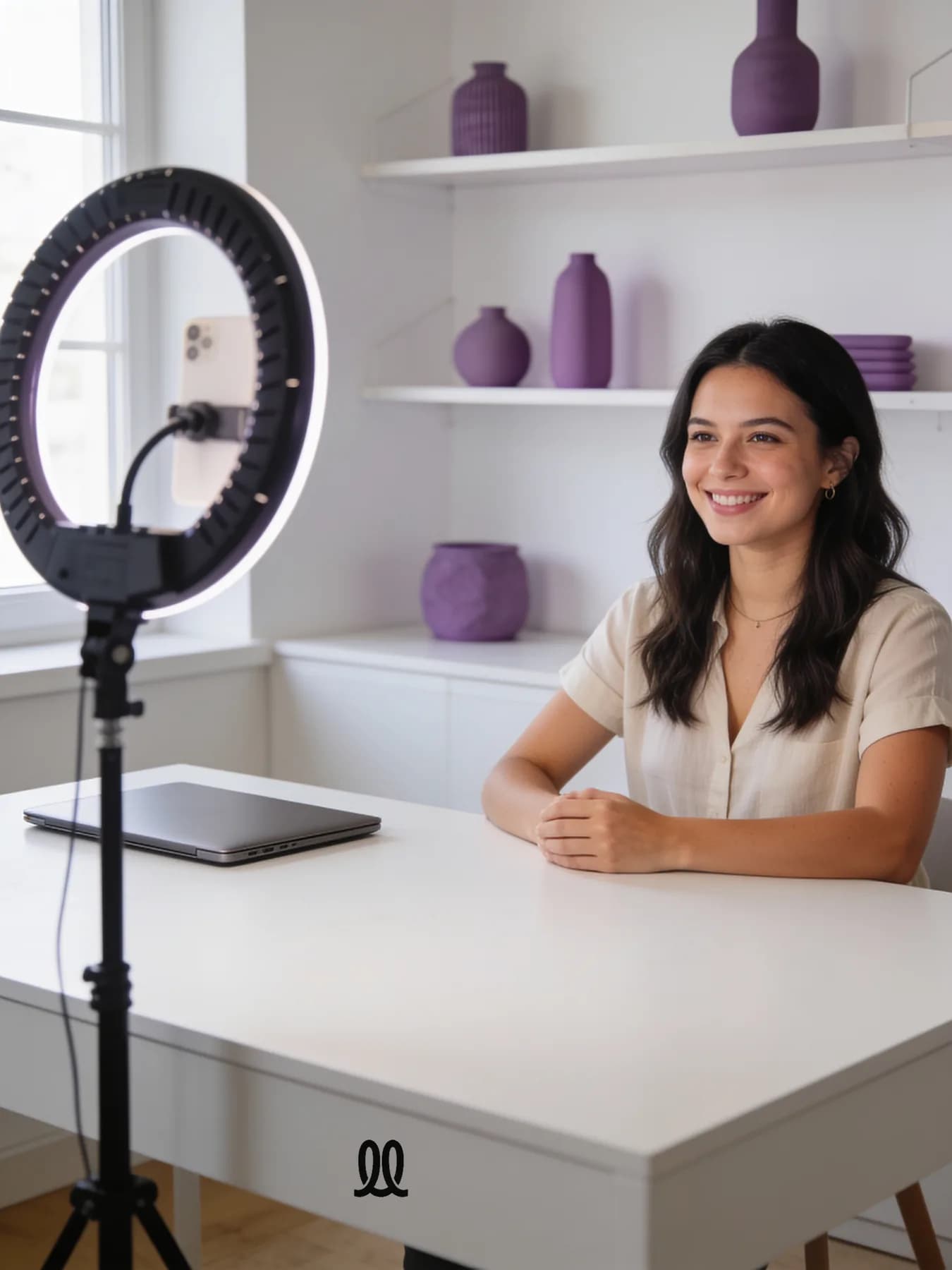
Both formats are made in two moves. Vendy first draws up to 4 opening frames. You pick one, and that frame becomes the video. If you want the wider picture of video formats, our guide to AI video ads compares them.
Where AI avatars for small business work best
Avatars earn their place when there is something to say, not just something to show. A few jobs where they fit well:
- Local services. A presenter explains what you fix, the area you cover and how to book. For a local service business, a clear spoken offer often beats a photo of a van.
- Shops. An AI creator holds your real product and says why it's worth buying. Short, direct, native to a feed.
- Courses and online products. A presenter walks through what the course covers over a few slides. Useful when the product is hard to photograph, as with info products and SaaS.
- Event promotion. An opening, a sale weekend, a class or a workshop. Put the date, place and offer on the slides and let the presenter say it.
- Several locations. One presenter, one script, a version per location with the right address. That keeps a franchise or multi-location brand consistent.
One tip for local services: a presenter reading tips to camera tends to get scrolled past, and so does the usual before and after. An odd first slide works better: a wrench on a dinner plate, a hair dryer in a fridge. Then let the presenter explain what it has to do with your business.
What to watch: keep it honest
An avatar is a tool, not a trick. Three rules keep it working for you, not against you.
- Present it as an ad, not a customer review. The presenter is AI, not a real customer. Don't script it as "I bought this and loved it" from a buyer who doesn't exist. Speak as the brand: "Here's what we make", "Here's this week's offer".
- Keep the real product. Vendy keeps your product as it is: same color, shape, label and logo, no redrawn logos, no invented details. The avatar is new. What you sell should not be.
- Write the script in your own words. Vendy drafts it, but you know how you talk to customers. Swap in the phrases you use at the counter or on the phone. Read it out loud before you make the video.
What "affordable" means in practice
The cost of a video with a person in it used to be the shoot: a presenter, a location, a camera, editing and a reshoot when the offer changed. With an avatar, none of those exist. There is no shoot to book, no actor to pay and no studio to rent. A new version is a new script, not a new day.
With Vendy, every plan includes every tool, so the presenter, the creator and the image formats come together. You also get full commercial rights to every image and video, including paid placements. Plans are on the pricing page.
How to make an avatar video from one photo
- Start with one photo or a link. A phone shot of the product is enough. For a service, describe it in a sentence.
- Pick the format. Avatar slideshow for an offer with a few facts. UGC video for a short personal pitch.
- Edit the script. Keep one message and one call to action. Put it in your own words.
- Choose the face and the voice. Pick a presenter or let Vendy cast one. Change the voice if it doesn't fit.
- Pick an opening frame. Vendy shows up to 4. Choose the one that stops the scroll, and it becomes the video.
- Download and upload. Vendy makes the creative. You upload it to Meta Ads Manager, TikTok Ads Manager or Google Ads and set the budget and targeting there.
Make two or three versions with different hooks and let the numbers pick the winner. If you're new to that loop, start with how to make an ad. An AI video ad generator gives you the other video formats too, if the avatar isn't the right fit for a product.
Questions about AI avatars for small business
Are there affordable AI avatar services for local businesses?
Yes. A local business mostly needs a clear spoken offer: what you do, where, and how to book. An AI presenter over a few slides does that without filming anyone. With Vendy you start from a sentence about your service or one photo.
What should I look for in affordable AI avatar generators for small businesses?
Look at what you get, not just the avatar. An editable script, a voice you can change, captions, the sizes your platforms need and full commercial rights for paid placements. Check that your real product stays as it is in the video.
Are there affordable AI avatar solutions for event promotion?
An Avatar slideshow fits events well. Put the date, the place and the offer on 3 to 6 slides and let the presenter say it in 15 to 30 seconds. Make one version per event and reuse the same presenter.
Do I have to tell people the presenter is AI?
Be honest about it. Present the video as an ad from your brand, not as a review from a real customer, and follow the ad rules of the platform where you run it.
Takeaways
- Affordable AI avatar solutions for small businesses replace the shoot, not the message: no camera, no actor, no studio.
- Use an AI presenter over slides for offers with a few facts, and an AI creator for a short personal pitch.
- They fit local services, shops, courses and event promotion best.
- Keep it honest: an ad from your brand, your real product, your own words.
- Make two or three versions and let the numbers pick the winner.
Keep reading
All articles Video ads
AI video ads: types, lengths and how to make them
Creator clips, presenters over slides and product showcases: what each kind of AI video ad is for, which length and frame fits each platform, and how to make one from a product photo.8 min read
 Video ads
AI commercials: what a small seller can actually make
AI commercials are no longer just for big brands. Here is what they are, how they differ from a TV spot, and how to make one from a single product photo.6 min read
 Video ads
Video ad hooks: how to stop the scroll in the first two seconds
A video ad gets one or two seconds before the thumb moves on. Here is what actually stops it, what doesn't, and ten hook ideas a small seller can test this week.7 min read