AI commercials: what a small seller can actually make
AI commercials are no longer just for big brands. Here is what they are, how they differ from a TV spot, and how to make one from a single product photo.
6 min read
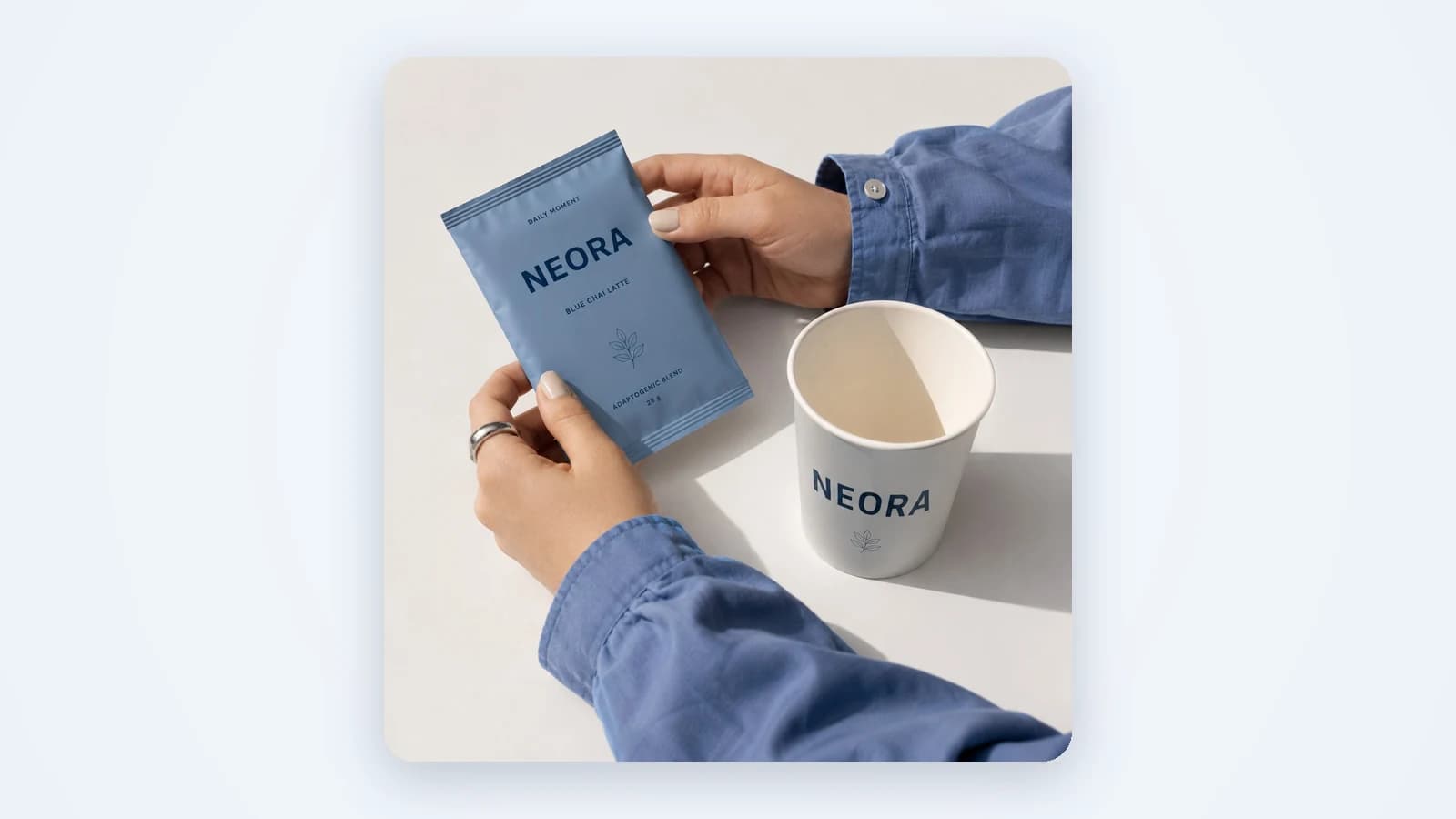
AI commercials are short video ads where the footage is made by an AI model instead of a film crew. You have probably seen the headlines: big brands now run AI-made spots on TV and online. That news makes it sound like a big-budget game. It isn't. For a small seller, the useful version is much smaller: a 10-second vertical clip of your real product, made from one photo, ready to post the same day. This guide covers what you can realistically make, how it's made and what to check before it goes live.
What AI commercials are
An AI commercial is a video ad where some or all of the footage is generated. The model draws the scene, the light and the motion. In the best tools, your product stays exactly as it is, and only the world around it is new.
The phrase artificial intelligence commercials covers two very different things. One is the big-brand spot: a full story, many shots, a team of editors behind the AI. The other is what most sellers need: a short product video for the feed. This article is about the second kind.
How AI commercials differ from a TV spot
A TV spot is built for a living room. People sit through 30 seconds because the show comes after. A feed is the opposite. Nobody has to watch, and the thumb is always one swipe from leaving. So the rules change:
- Short. 3 to 15 seconds, not 30 or 60. The point has to land before the swipe.
- Vertical. 9:16 for stories, reels and TikTok, 4:5 or 1:1 for feeds. A wide TV frame wastes most of a phone screen.
- Product first. The item shows up in the first second. No slow brand intro, no logo reveal at the start.
- Sound off by default. Many people watch muted. Captions carry the message, music is a bonus.
What a small seller can realistically make
You don't need a story with actors and locations. Three formats cover most of what sells in the feed, and all of them start from one product photo or a link to your product page.
Product showcase
The product is the star: hands holding it, an unboxing, slow close-ups of the texture and the label. You can add a face for the hands and voice, or leave it out. Captions, music and an end card with your brand finish it. This is the closest thing to a classic commercial, and it works best for physical products. Vendy's AI commercial generator makes exactly this kind of clip.
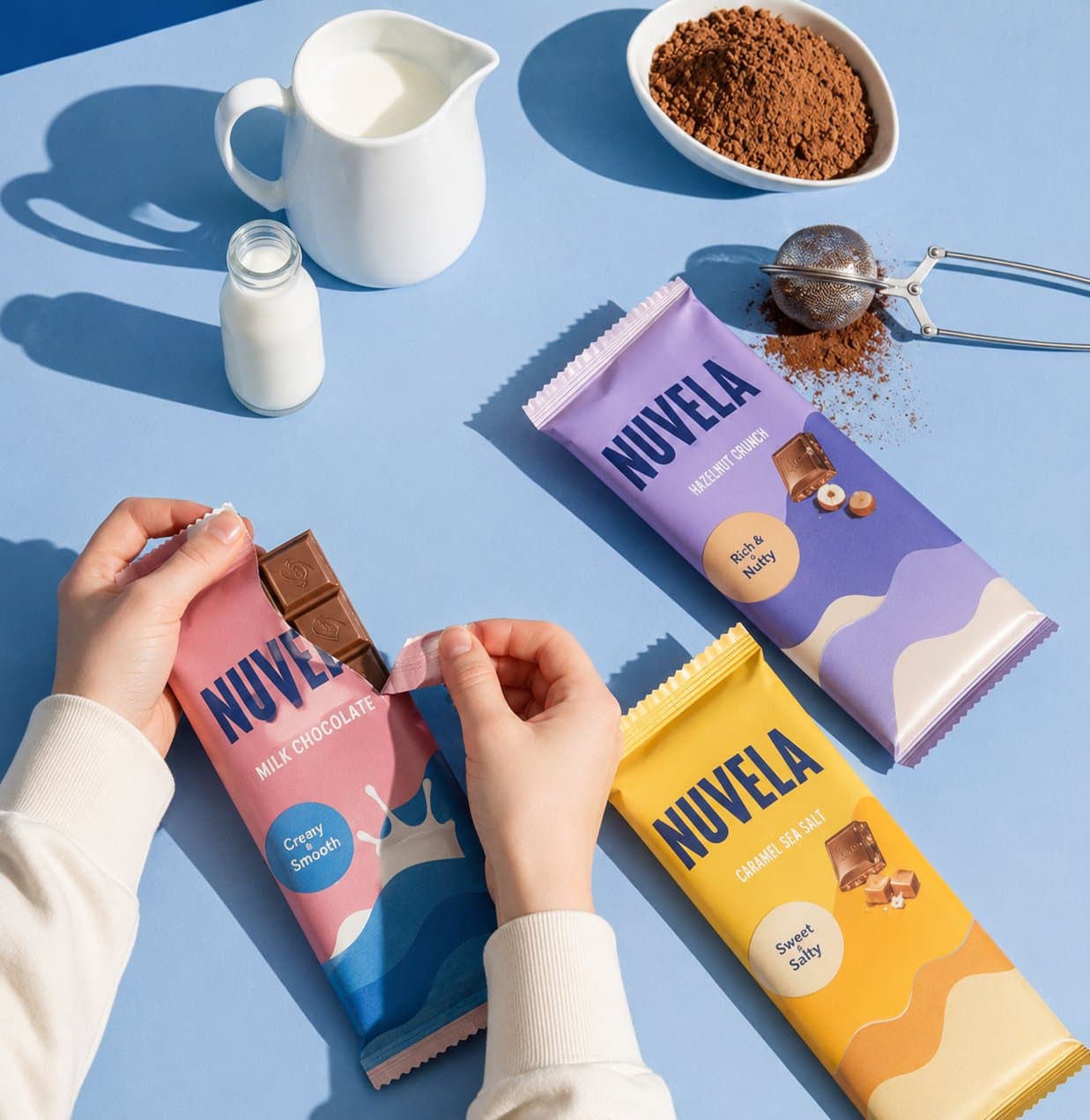
One warning: pretty shots alone are not enough. A product clip with no voice and no story tends to get scrolled past. Give the showcase a turn. Hold the product back and reveal it in the last seconds, or let the captions tell a tiny story: the problem, the try, the result.
UGC creator clip
An AI creator talks to camera about your product or service, in the look of a phone video. You pick the face or let Vendy cast one, then edit the script. Be clear with yourself about what this is: the creator is an AI avatar, not a real person. It looks like a customer video, which is why AI UGC ads blend into the feed so well.
Presenter video
An AI presenter talks over three to six slides, with an AI voice matched to the avatar. It suits products that need explaining: a service, an app, a skincare routine. See AI avatar video ads for how the format works.
What about AI animated commercials?
AI animated commercials usually mean cartoon or 3D animation: drawn characters, a mascot, a stylized world. Vendy doesn't make that. It makes motion video from your real product photo, so the item on screen is the item the buyer gets. If you need a cartoon mascot, you need a different tool. If you need your bottle, box or jacket moving on screen, this is the right one.
How an AI generated commercial is made, step by step
A good AI generated commercial isn't made in one click. It's made in two moves: frames first, then video. Here is the path in Vendy:
- Start from the product. Upload one photo or paste a link to the product page. A phone shot is enough. For a service, describe it in a sentence.
- Pick the format. Product showcase, UGC creator clip or presenter video, depending on what you sell.
- Choose the opening frame. Vendy draws up to four opening frames. You pick the one that shows the product best. This is the cheap moment to say no: fixing a still is easier than fixing a video.
- Get the video. The chosen frame becomes the clip, with motion, captions, music and an end card.
- Check and download. Review it against the checklist below, then download it in the size your channel needs.
Vendy makes the creative only. It doesn't buy media, set targeting or post for you. You upload the file to Meta Ads Manager, TikTok Ads Manager or Google Ads yourself. For a wider look at the formats, read our guide to AI video ads or open the AI video ad generator.
What to check before AI commercials go live
Watch every clip once with the sound off, once with it on. Then run through four checks:
- The real product. Compare it frame by frame with your photo. Same color, same shape, same label, same logo. A buyer who receives something different asks for a refund.
- Captions. Read them out loud. Are they spelled right, easy to read on a phone and clear of the edges where the app puts its buttons?
- End card. Your brand and the next step should be on screen at the end. Without it, a good clip sells for someone else.
- Length. 3 to 15 seconds. If the product isn't on screen in the first second, cut to it.
Nobody remembers that an ad was made by AI. They remember whether the product they got matched the one they saw.
Where these clips work best
Product showcase clips shine wherever texture and close-ups sell: beauty brands showing a serum on skin, packaging and swatches. Food and restaurant sellers get the same win from a slow close-up of a dish or a drink. UGC and presenter clips do better when the product needs a reason to buy explained in words.
Questions sellers ask about AI commercials
Can I run an AI commercial as a paid ad?
Yes. Every Vendy plan comes with full commercial rights to every image and video it generates, including paid placements.
Do I need to film anything?
No. One product photo is enough, and a phone shot works. The hands, the scene and the motion are generated around your real item.
How much does it cost?
Every plan includes every tool. Current plans and credits are on the pricing page.
Takeaways
- For a small seller, AI commercials are short, vertical and product-first, not a 30-second TV story.
- Three formats cover most needs: product showcase, UGC creator clip and presenter video.
- Vendy makes motion video from your real product photo. It doesn't make cartoon animation.
- Make it in two moves: pick the opening frame first, then turn it into video.
- Before posting, check the product, the captions, the end card and the length: 3 to 15 seconds.
Next step: try the AI commercial generator on your hardest product, or read more about AI video ads.
Keep reading
All articles Video ads
AI video ads: types, lengths and how to make them
Creator clips, presenters over slides and product showcases: what each kind of AI video ad is for, which length and frame fits each platform, and how to make one from a product photo.8 min read
 Video ads
Affordable AI avatars for small business: who should use them and how
No camera, no actor, no studio. How a small or local business can use an AI presenter or an AI creator in its ads, where it works best, and what to keep honest.7 min read
 Video ads
Video ad hooks: how to stop the scroll in the first two seconds
A video ad gets one or two seconds before the thumb moves on. Here is what actually stops it, what doesn't, and ten hook ideas a small seller can test this week.7 min read